




Why Your Construction Software Doesn't Talk to Each Other, and What to Do About It
Most construction companies did not choose their technology stack all at once. The accounting system went in years ago, Procore came later, Bluebeam arrived with a new estimator, and the field picked up whatever tablets and hotspots got the job done.
Each tool works on its own. The trouble starts when they have to work together: job costs that do not match between Procore and accounting, a drawing set that exists in four versions, a superintendent who cannot reach the server from the trailer, and a payment request that arrives by email from an address nobody checks.
This guide walks through where construction technology usually breaks down, what it takes to connect the pieces properly, and how to modernize without stopping work. It is written for owners, controllers and operations managers at South Florida contractors, from our team at QuestingHound in Deerfield Beach.
What's in This Construction Technology Integration Guide
- The server under your accounting system, and the Windows Server 2016 deadline
- Connecting Procore to Sage 300 CRE or Foundation
- Plans, drawings and large files
- Getting the field connected
- Identity and access across every system
- Security where the money moves
- The real cost of doing nothing
- A phased plan to modernize without stopping work
The Server Under Your Accounting System
At most mid-sized contractors, the accounting system is the center of everything. Job cost, payroll, AP, AR and certified payroll all run through it, and in many offices it still runs on a physical server in a back room.

Windows Server 2016 Support Ends January 12, 2027
Microsoft will release its final security update for Windows Server 2016 on January 12, 2027. After that date, servers running it stop receiving security fixes unless the company pays for Extended Security Updates, which are only available for the Standard and Datacenter editions.
For a lot of contractors, that server is the one running Sage 300 CRE or Foundation. If yours is, the replacement decision needs to happen now, not in December, because migrating an accounting system in the middle of a busy season or a year-end close is how mistakes get made. Our Windows Server 2016 end of support guide for contractors walks through the options and a migration checklist.
Why Construction Accounting Still Lives On-Premises
Sage 300 CRE, formerly Timberline, is built as a desktop application with a shared database on a local server. That design made sense when everyone sat in the same office. It is far less convenient when project managers work from trailers and controllers work from home.
The usual workaround is a VPN or remote desktop connection, which works until it gets slow, drops during payroll, or becomes the way an attacker gets in.
Your Three Options: Rebuild, Host or Migrate
- Rebuild on site. Replace the server with current hardware and a supported operating system, then fix remote access properly. This is often the fastest path when the software itself is working well for you.
- Host it. Move the accounting server to a hosted or private cloud environment so staff connect securely from anywhere. The software stays the same, and the hardware becomes someone else's problem.
- Migrate. Move to a cloud-native construction accounting platform. This is the biggest project of the three and usually makes sense only when the business has outgrown the current system for reasons beyond IT.
There is no single right answer. The right choice depends on how many people need remote access, how your integrations are built, and how much change the accounting team can absorb this year.
Connecting Procore to Your Accounting System
The biggest integration in most construction offices is the link between project management and accounting. When it works, commitments, invoices and job costs flow between the two systems. When it does not, someone re-keys data and the numbers drift apart.
How the Procore and Sage 300 CRE Connector Works
According to Procore's documentation, the Sage 300 CRE connector runs through a small synchronization client installed on the machine that runs Sage 300 CRE, usually the Sage server. It makes outbound connections only, so it works with a standard firewall.
What syncs, and in which direction, matters for how your team works:
- Vendors, jobs, cost codes and budgets sync in both directions.
- Commitments, subcontractor invoices and owner invoices go from Procore to Sage, after an accounting approver signs off.
- Job costs and prime contracts come from Sage into Procore.
Foundation and other construction accounting platforms offer their own Procore integrations, with different rules. The details differ, but the IT requirements are similar.
The Cost Code Problem
Most integration headaches are not technical. They come from cost codes that were set up differently in each system. Procore's Sage 300 CRE connector, for example, requires a standard cost code list created in Sage, consistent formatting, and categories that are turned on. Projects that already existed before the connection cannot be synced.
That means the clean-up happens before the integration, not after. It is worth getting accounting, operations and IT in the same room to agree on the structure first.
What IT Has to Get Right
The sync client only works if the server it lives on is healthy. That means a supported operating system, enough capacity during payroll and month-end, current versions of the accounting software (Procore's connector supports specific Sage 300 CRE versions), monitored services that restart if they stop, and backups that include the accounting database.
If the server goes down, the integration goes down with it, and the gap usually is not noticed until invoices stop showing up.
Plans, Drawings and Large Files
Construction runs on files that are far larger than a typical office handles: full plan sets, BIM models, point clouds and photo logs.
Bluebeam and the Version Control Problem
Bluebeam is where estimators and project teams mark up drawings, often in shared Studio Sessions. The risk is not the software. It is the copies: a revised sheet saved to a desktop, emailed to a subcontractor and printed in the field while the current version sits somewhere else.
A clear file structure, one approved location for current drawings, and permissions that match project roles prevent most of it.
Autodesk Construction Cloud and Storage Sprawl
Many contractors end up with project files spread across Autodesk Construction Cloud, Procore, SharePoint, a file server and personal Dropbox or Google Drive accounts. Every extra location is another place to secure, back up and search when a dispute comes up two years later.
Pick a system of record for each type of document, and close the rest.
Plotters and Large-Format Printers
Plotters and multifunction printers are network devices, often with outdated firmware and default passwords. They belong on their own network segment, away from accounting and payroll, along with cameras and guest Wi-Fi. Our office network setup services cover how that segmentation works.
Getting the Field Connected
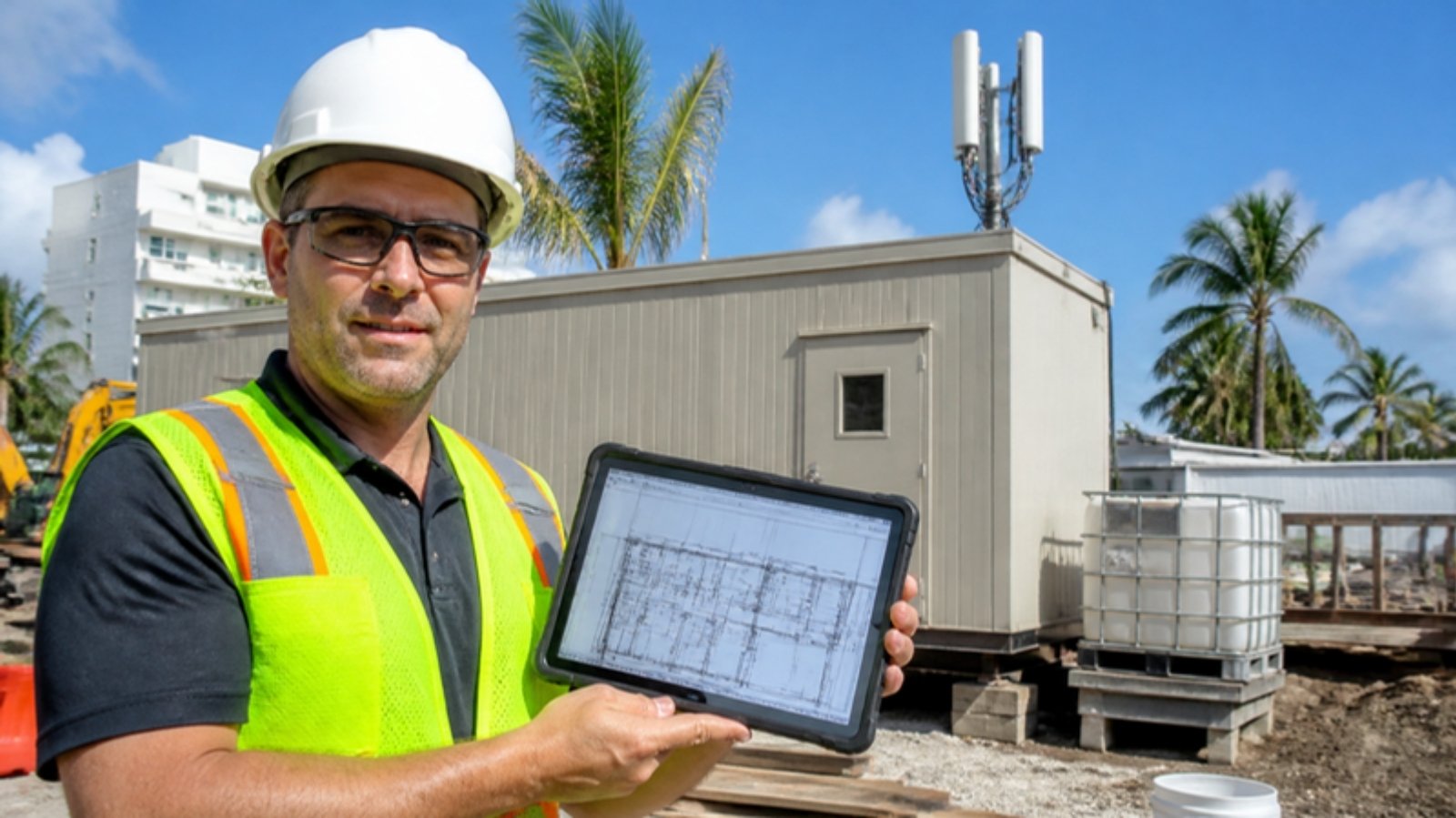
The office is only half the operation. The other half is on jobsites with temporary power, temporary internet and devices that get dropped, rained on and left in trucks.
Jobsite and Trailer Internet
A phone hotspot works for email. It does not work for syncing drawing sets, video calls with the architect and a camera system at the same time. Cellular routers with external antennas, satellite service where cellular is weak, and a failover between the two give trailers a connection that holds up from mobilization to closeout.
Tablets and Phones on the Jobsite
Field devices should be managed centrally with mobile device management, so apps, updates and security settings are consistent and a lost tablet can be locked or wiped remotely. Shared devices need separate logins, not one account the whole crew uses.
Secure Access Back to the Office
Field staff need the accounting system, the file server or both. That access should require multi-factor authentication and run through a secure connection, never an open remote desktop port on the internet, which remains one of the most common ways ransomware gets in.
Identity: One Login, Many Systems
Every system in the stack has its own users, and that is where access quietly falls apart.
Microsoft 365 as the Front Door
For most contractors, Microsoft 365 is the best place to anchor identity. When Procore, Autodesk and other cloud tools use single sign-on through Microsoft 365, one account controls access to all of them, multi-factor authentication applies everywhere, and disabling one login closes every door at once. See our Microsoft 365 security services for how that is set up.
Subcontractors, Guests and Offboarding
Subcontractors, owners' reps and seasonal crews need access to some systems for some projects. Without a process, that access never gets removed. A simple rule helps: guest access expires with the project, and employee access is removed the day someone leaves.
Security Where the Money Moves
Construction has a target on it for a simple reason: large payments move on predictable schedules, often by email.
Payment and Wire Fraud
The FBI's 2025 Internet Crime Report recorded 24,768 business email compromise complaints with more than $3 billion in losses. For contractors, it usually looks like a spoofed pay application, a change order from a lookalike domain, or a subcontractor "updating" their bank details.
The fix combines technology and process: email security and multi-factor authentication to stop most attempts, and a rule that any change to payment details is confirmed by phone using a number you already have. Our guide on how to stop wire fraud in construction covers the schemes and controls in more detail.
Ransomware Is a Schedule Problem
For a contractor, ransomware does not just lock files. It stops bids, payroll, pay applications and the drawings crews are waiting on. Isolated, tested backups of the accounting system, file server and cloud project data are what turn a crisis into a bad week. Our data backup and recovery services cover how that is built.
What Cyber Insurers Ask Contractors
Insurers increasingly want proof of multi-factor authentication, endpoint detection and response, tested backups and an incident response plan before they write or renew a policy. If those questions are on your renewal, our cyber insurance readiness page explains what they look for.
The Real Cost of Doing Nothing
Wipfli's 2026 State of Technology in the Construction Industry report found that 69% of construction and real estate executives said their firm had a cybersecurity incident in the past year. It also found that while 59% reported full or extensive integration, only 30% met the criteria for high technology maturity, and 94% plan to add or replace at least one software tool in the next 12 to 24 months.
In other words, most firms are adding tools faster than they are connecting them. The costs are rarely one big failure. They show up as hours of duplicate data entry, invoices that sit unapproved because the sync stopped, project managers working around slow remote access, and an aging server that everyone knows is a risk but nobody has time to replace.
How to Modernize Without Stopping Work
You do not have to fix everything at once. The order matters more than the speed.
Phase 1: Inventory and Prioritize (First Two Weeks)
List every system, where it runs, who uses it and how it connects to the others. Note the server operating systems, software versions and any integration that depends on a single machine. This is usually where the Windows Server 2016 problem shows up.
Phase 2: Close the Security Gaps (First 30 Days)
Turn on multi-factor authentication everywhere, remove access for people who have left, lock down remote access, put a payment verification process in writing, and confirm backups actually restore. These steps are inexpensive and remove the most common ways contractors get hurt.
Phase 3: Fix the Foundation
Replace or host the accounting server, segment the office network, standardize jobsite connectivity and bring field devices under management. Schedule the server work away from payroll runs, month-end and year-end close.
Phase 4: Connect the Systems
With a stable foundation and clean cost codes, connect project management and accounting, set up single sign-on, and pick a system of record for drawings and documents. Then document all of it, so the next person does not have to rediscover how it works.
Why a Construction-Focused IT Partner Matters
A general IT provider can keep computers running. A construction-focused partner understands why the accounting server matters more during payroll week, why a trailer needs internet on day one, and why a bank detail change on a subcontractor invoice deserves a phone call.
QuestingHound supports construction companies across South Florida from our office at 3155 SW 10th Street in Deerfield Beach, with support for Procore, Sage 300 CRE, Bluebeam, Autodesk Construction Cloud and Foundation, plus jobsite connectivity and field devices. Our team speaks English, Spanish and Portuguese, which helps when your office and field crews do too.
Learn more about our IT support for construction companies, or see what to expect if you are switching IT providers.
Frequently Asked Questions
When does Windows Server 2016 support end?
Microsoft's final security update for Windows Server 2016 is scheduled for January 12, 2027. After that, servers running it stop receiving security fixes unless the company buys Extended Security Updates, which are only available for the Standard and Datacenter editions.
Does the Procore and Sage 300 CRE integration need a server?
Yes. According to Procore, the connector uses a synchronization client installed on the system that runs Sage 300 CRE, usually the Sage server. That machine needs to be online, supported and backed up for the integration to keep working.
Should we move Sage 300 CRE to the cloud?
It depends on how many people need remote access, how your integrations are built and how much change your accounting team can take on. Hosting the existing system is often a middle path between rebuilding the server and migrating to a new platform.
How do we stop subcontractor payment fraud?
Combine email security and multi-factor authentication with a written rule that any change to payment details is verified by phone using a number already on file, never one provided in the email.
Where should we start if our systems are disconnected?
Start with an inventory of every system and how it connects, then close the security gaps before tackling integrations. Clean, consistent cost codes and a stable server come before connecting project management to accounting.
Get Help Connecting Your Construction Technology
If your accounting server is on borrowed time, your integrations keep breaking, or the field and office feel like two different IT environments, we can help you sort out what to fix first.
A conversation costs nothing and gives you a clear picture of where you stand.

John Boden
John brings over 25 years of hands-on IT experience to every client relationship and has personally overseen hundreds of technology assessments across Broward and Palm Beach County. His approach is built on accountability — when QuestingHound makes a mistake, they own it — and on the belief that trust is the foundation of any useful IT relationship.