




Windows Server 2016 End of Support: What Contractors Running Sage 300 CRE or Foundation Need to Know
Microsoft ends support for Windows Server 2016 on January 12, 2027. For a lot of South Florida contractors, that is not an abstract IT date. It is the server in the back room that runs job cost, payroll, AP and the Procore sync.
The timing makes it harder. The deadline lands in the middle of year-end close, W-2 and 1099 season and the first payroll runs of the new year. This guide explains what end of support actually means, the options for contractors running Sage 300 CRE or Foundation, and how to plan the move without disrupting accounting. It is written by the team at QuestingHound in Deerfield Beach.
What End of Support Actually Means
After January 12, 2027, Microsoft stops releasing security updates for Windows Server 2016. The server will keep running, which is why many businesses ignore the date. But every new vulnerability discovered after that point stays open.
That creates three practical problems for a contractor:
- Security exposure. An unpatched server that holds payroll, bank details and Social Security numbers is exactly what ransomware groups look for.
- Insurance questions. Cyber insurers increasingly ask whether you run unsupported operating systems. A "yes" can affect coverage, premiums or a claim.
- Software support. Accounting and integration vendors test new releases against supported operating systems. Over time, staying on Windows Server 2016 can block you from updates you need.
Can You Buy More Time?
Microsoft offers Extended Security Updates for up to three years after end of support, at an additional cost, and reporting indicates they are only available for the Standard and Datacenter editions. Extended Security Updates can be a sensible bridge if you need a few months to plan a migration properly.
They are not a long-term plan. You are still running aging hardware, you pay for every year you use them, and the underlying decision is only postponed.
What Usually Lives on That Server
Before choosing a path, list everything the server does. At most contractors, it is more than accounting:
- The Sage 300 CRE or Foundation database and application files
- The sync client that connects your accounting system to Procore, which Procore installs on the machine running Sage 300 CRE
- Shared folders for estimating, project documents and scanned files
- User accounts and logins, if the server also acts as the domain controller
- Remote desktop access for project managers and controllers working outside the office
- Printer and plotter queues
Each of these needs a new home, and some of them, like the Procore sync, need to be reinstalled and tested after the move.
Your Options
1. Replace the Server On Site
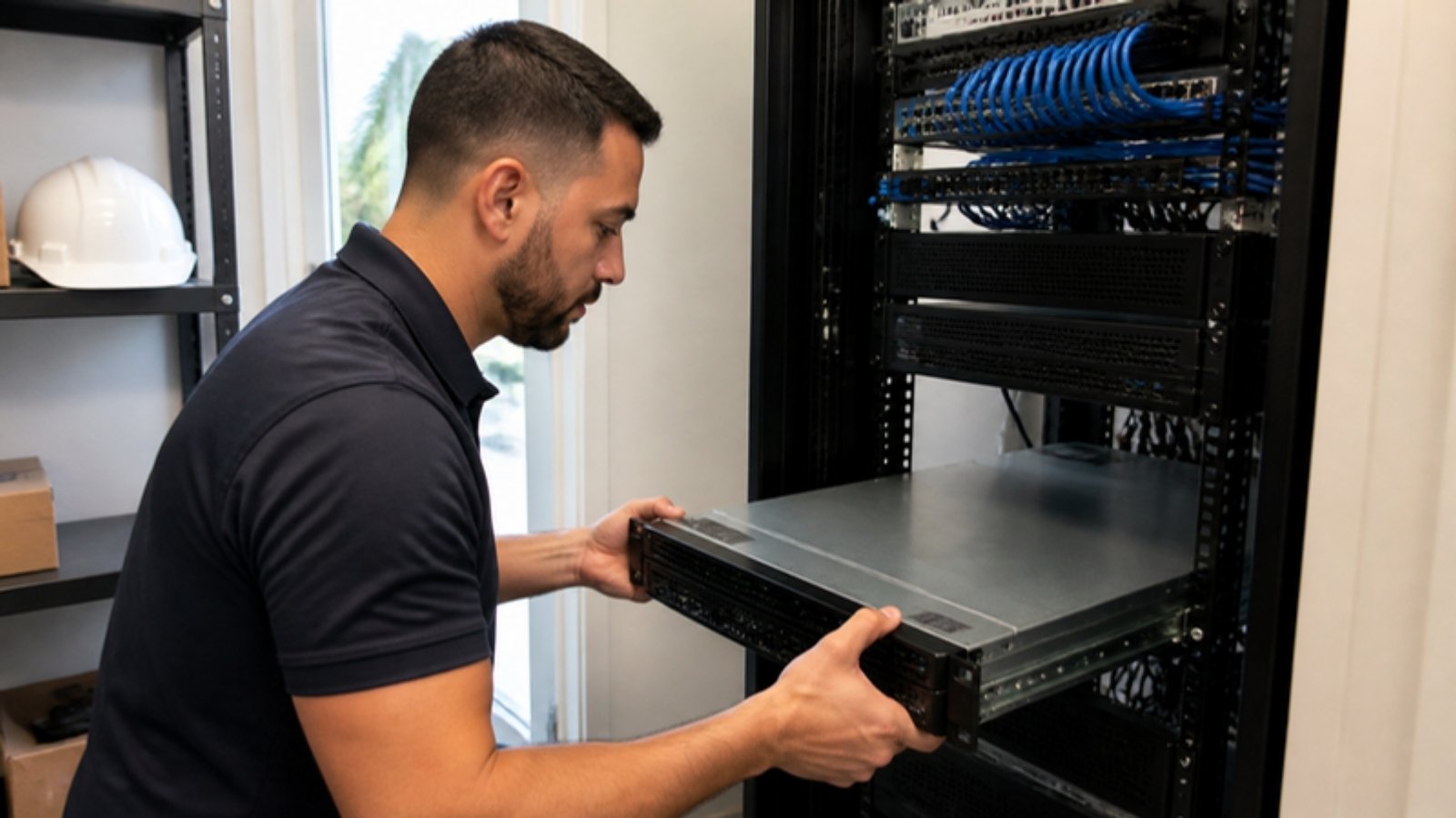
Install new hardware with a current, supported version of Windows Server, migrate the accounting system and file shares, and rebuild remote access properly. This is often the right choice when the software works well, most staff are in the office, and you want to keep control of the hardware.
Before choosing a version, confirm it against your accounting software's published system requirements for the exact version you run. Vendor support for new Windows Server releases does not always arrive on day one.
2. Move to a Hosted or Private Cloud Server
Keep the same software, but run it on a server in a data center instead of your back room. Staff connect securely from the office, home or a jobsite trailer, and the hardware, power and cooling become someone else's responsibility. This works well when project managers and accounting staff need reliable remote access.
3. Use Your Software Vendor's Hosted Option
Some construction accounting vendors host the software for you. Foundation Software, for example, offers FOUNDATION Hosted, where the vendor manages updates and backups. You still need secure workstations, multi-factor authentication and a plan for the file shares and other services that lived on the old server.
4. Migrate to a New Platform
Moving to a different accounting platform is the largest project of the four. It usually makes sense only when the business has outgrown the current system for reasons beyond the server, and it should never be rushed to meet a Windows deadline.
Timing: Plan Around Payroll and Year-End
The worst time to move an accounting system is during a payroll run, a month-end close or year-end. Unfortunately, January 12 falls right in the middle of year-end close and W-2 and 1099 preparation.
That is why the planning should happen now. A practical approach:
- Decide on your path in November. Get quotes, confirm software compatibility and agree on a migration window.
- Migrate before year-end if you can, ideally in early December between payroll cycles, with a tested rollback plan.
- If you cannot migrate before year-end, complete year-end close on the existing server and use Extended Security Updates as a short bridge, then move once the busy period is over.

A Migration Checklist for Contractors
- Inventory the server. Applications, databases, file shares, scheduled tasks, user accounts and every integration.
- Confirm compatibility. Check your accounting software version against the vendor's system requirements for the new operating system.
- Take and test a full backup before touching anything. A backup is only proven when it has been restored. Our data backup and recovery services cover how that is done.
- Schedule the cutover away from payroll, month-end and year-end, and tell staff in advance.
- Reinstall and test integrations, including the Procore sync, before the old server is switched off.
- Rebuild remote access securely with multi-factor authentication, never an open remote desktop port on the internet.
- Retire the old server properly. Florida's Information Protection Act requires businesses to dispose of records containing personal information so they are unreadable. Old drives full of payroll data should be securely wiped or destroyed, not left in a closet.
How This Fits Into Your Wider Technology
Replacing the server is a good moment to fix the things around it: network segmentation, backups, remote access and how your systems connect. Our construction technology integration guide walks through how accounting, Procore, Bluebeam and field devices fit together.
It is also a good time to review payment security, since the same accounting system handles every vendor payment. See how to stop wire fraud in construction.
How QuestingHound Helps
QuestingHound supports construction companies across Boca Raton, Deerfield Beach and Broward and Palm Beach counties from our office at 3155 SW 10th Street in Deerfield Beach. We support Sage 300 CRE, Foundation, Procore, Bluebeam and Autodesk Construction Cloud, and our background as a value added reseller means we plan, install and support the hardware ourselves.
We can assess your current server, recommend the right path, schedule the migration around your payroll and close calendar, and handle the cutover. Learn more about our IT support for construction companies.
Frequently Asked Questions
When does Windows Server 2016 support end?
Microsoft's end of support date for Windows Server 2016 is January 12, 2027. After that, it no longer receives security updates unless the business purchases Extended Security Updates.
Will my server stop working on January 12, 2027?
No. It will keep running, but it will stop receiving security fixes. That leaves new vulnerabilities unpatched and can create problems with cyber insurance and software support.
Should we buy Extended Security Updates?
They can be a useful short-term bridge if you need time to plan a migration around year-end. They add cost and do not solve aging hardware, so they work best with a firm migration date.
Does moving the server affect our Procore integration?
It can. Procore's Sage 300 CRE connector uses a sync client installed on the system running Sage 300 CRE, so it needs to be reinstalled and tested on the new server before the old one is retired.
What should we do with the old server?
Keep it until the new environment has run cleanly through at least one full payroll cycle, then securely wipe or destroy its drives. Florida law requires businesses to dispose of records containing personal information so they cannot be read.
Plan Your Server Replacement Before Year-End
If your accounting system still runs on Windows Server 2016, the time to decide is now, while there is still room to schedule the work around payroll and year-end close.
A conversation costs nothing and gives you a clear picture of where you stand.

John Boden
John brings over 25 years of hands-on IT experience to every client relationship and has personally overseen hundreds of technology assessments across Broward and Palm Beach County. His approach is built on accountability — when QuestingHound makes a mistake, they own it — and on the belief that trust is the foundation of any useful IT relationship.